For families & schools

Their first desktop. Built just for them. Wonder in. Worry out.

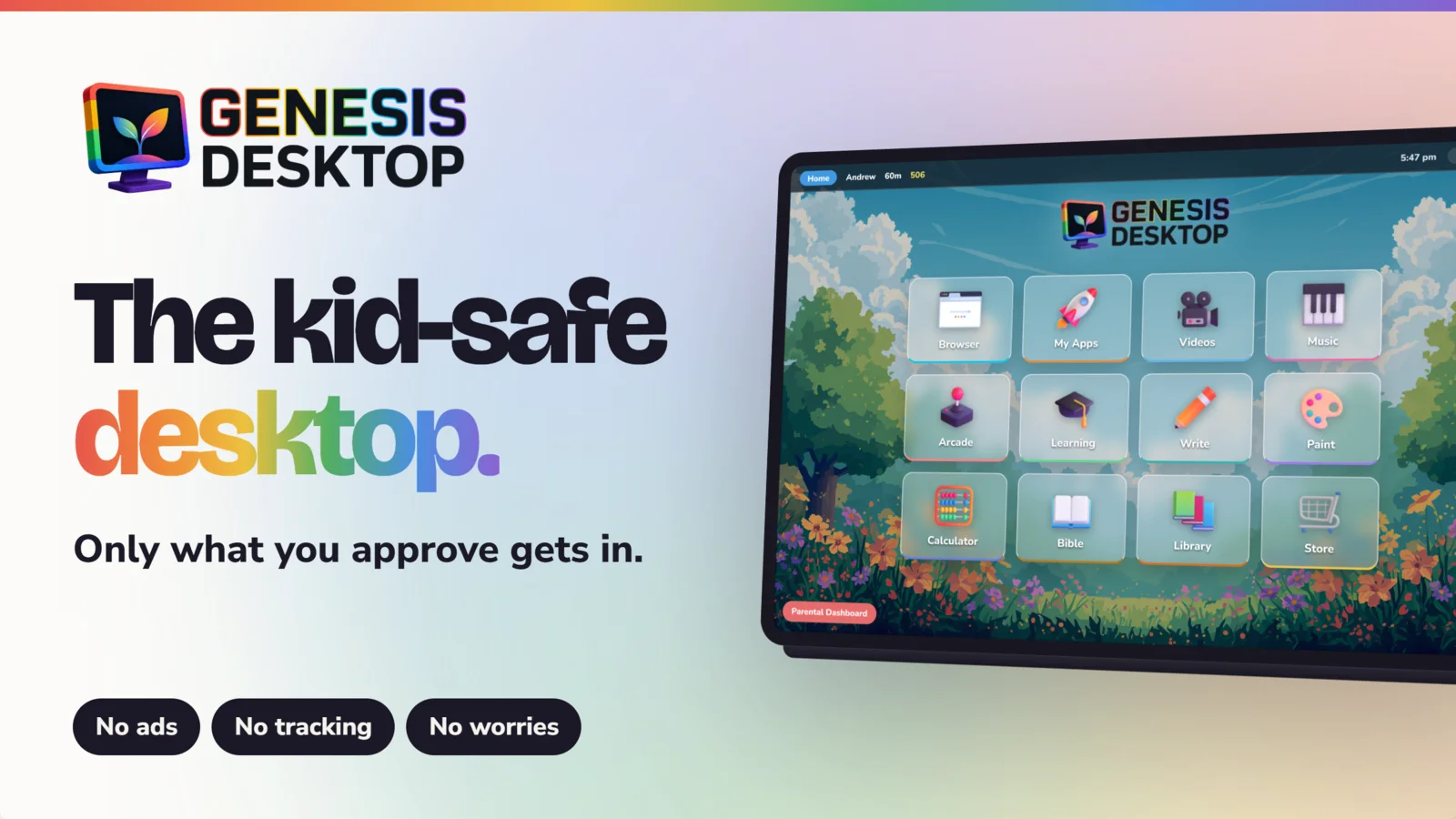
Genesis Desktop turns any Windows PC or Chromebook into a walled-garden desktop for kids — a full suite of wholesome built-in apps, zero ads, and a parental PIN standing guard at every exit.

Windows & Chromebook No ads, no tracking PIN-protected exit
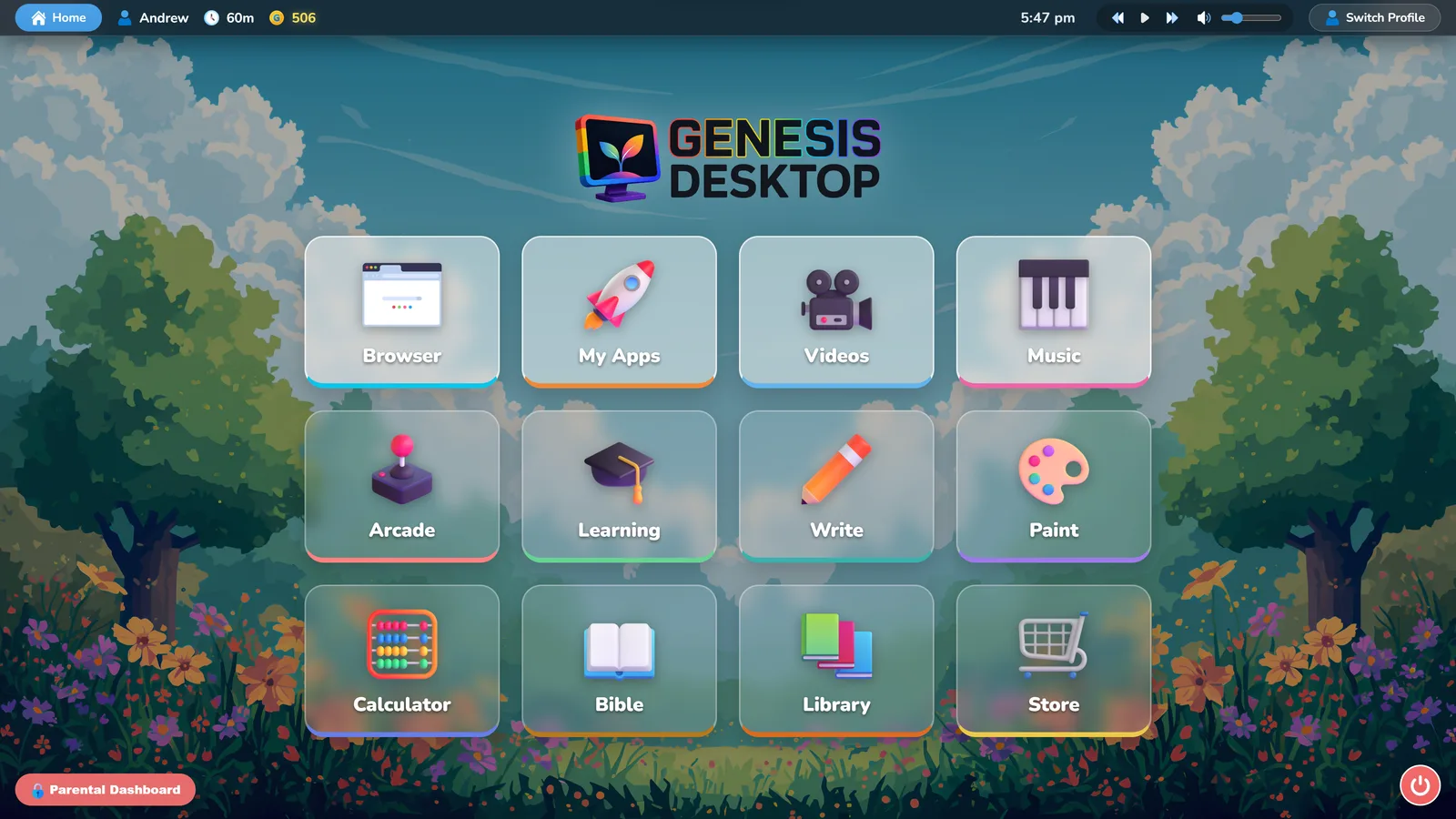
The real Genesis Desktop home screen
Exit locked
Parental PIN required
Why Genesis

Filtering the bad.
Providing the good.

Filters chase a moving target. Genesis takes the opposite approach: a complete, beautiful desktop built only from things you'd hand your child yourself.

01

Peace of mind, built in

No more over-the-shoulder policing. Every app, book, song and game inside was placed there on purpose.

02

A complete desktop overlay

Genesis takes over the whole screen — desktop, taskbar and browser are replaced with a space designed for kids.

03

A suite of wholesome apps

Reading, writing, painting, music, math, Bible, games and more — native, kid-proof and offline-friendly.

04

Zero ads. Zero tracking.

No pop-ups, no data harvesting, no algorithm deciding what your child sees next. They're not the product here.

The Genesis Suite

A whole world on one screen.

See every app in detail
{{ app.name }}

{{ app.blurb }}

Parental controls

You hold the keys.

The Parent Dashboard sits behind your PIN. From there you decide what's inside the garden — and the garden takes care of itself.

Tour the dashboard
PIN-guarded exit

Leaving Genesis, changing settings or reaching your files all require the parental PIN.

Screen time & bedtime

Daily limits per child, plus a family bedtime that winds the screen down gently.

Whitelist browsing

Approve websites one by one. Everything else — including outbound links — is blocked automatically.

Your media, your rules

Link your own movies, music and approved programs — Genesis only plays what you've hand-picked.

How it works

Up and running in five minutes.

1

Install & set your PIN

Run the installer on your Windows PC or Chromebook and create the parental passcode that guards the gate.

2

Make it theirs

Add a profile for each child — wallpaper, screen-time limits, bedtime — and approve any sites or videos you want in.

3

Hand it over

Genesis starts with the computer from then on. They explore the garden; you keep the only key.

See install details
Genesis for Schools

A computer lab that runs itself.

Deploy Genesis as a locked kiosk on Windows PCs or managed Chromebooks. Students sign in with a school code — their work, art and reading follow them to any seat.

Teacher console — rosters, whitelists, hand-in and class analytics
Student logins with cloud-synced documents and paintings
Full kiosk lockdown on Windows and Chrome OS
Teacher Console CLASS 4B · 24 ONLINE
RM
Ryan M.
Handed in "My Winter Story"
JUST NOW
AL
Ava L.
Reading — The Prairies Series, ch. 3
12 MIN
JT
Class 4B
Whitelist updated — Mathletics approved
TODAY
Works on school Chromebooks

We're a family-run company in Lethbridge, Alberta. We believe childhood is worth protecting — and that what fills a child's screen should feed their character.

Our story →
Pricing

Simple, honest pricing.

Families
EVERYTHING INCLUDED
$59.99 CAD / year
That's about $5 a month. Reminder before every renewal · cancel anytime.
All core & companion apps — nothing held back
Unlimited child profiles
Use on up to 10 family computers
Screen time, bedtime & analytics
Free updates and new content packs
Buy Genesis Desktop
Secure checkout · Licence key delivered by email
3 Years
NOT A SUBSCRIPTION
$149.99 CAD / once
One payment, three years of peace. Nothing auto-renews — ever.
Everything in Families, for 3 years
No forgotten charges quietly renewing
One friendly reminder at the end — then you decide
$59.99 × 3 = $179.97 — you save $29.98
Buy 3 years — $149.99
Secure checkout · Licence key delivered by email
Schools
Priced by roster.

A school site licence plus a simple per-student rate. No per-machine counting — students sign in from any device.

Teacher console included
Windows & managed Chromebooks
Deployment help from our team
🎁
Give Genesis as a gift
Give a family you love the gift of peaceful screen time. You choose: 1 year ($59.99), 3 years ($149.99 — save $29.98), or ongoing at $59.99/yr until you cancel. Prepaid gifts never auto-renew · the key goes straight to their email.
Gift Genesis
See everything your licence includes
Good questions

Answers before you ask.

Read the full FAQ
{{ f.q }} +

{{ f.a }}

Ready for peaceful screen time?

Set it up once. Hand over the computer with a clear conscience.